Tuya Zigbee devices without the Tuya app
Cheap Tuya Zigbee plugs, switches, sensors and valves don't need the Tuya gateway or the cloud. Pair them with Zigbee2MQTT and Gladys Assistant, and control them locally.
Tuya is the platform behind a huge number of affordable smart home devices, sold under dozens of brand names. Normally, the Zigbee ones go through a Tuya gateway and the Tuya or Smart Life app, which means Tuya's cloud for almost everything.
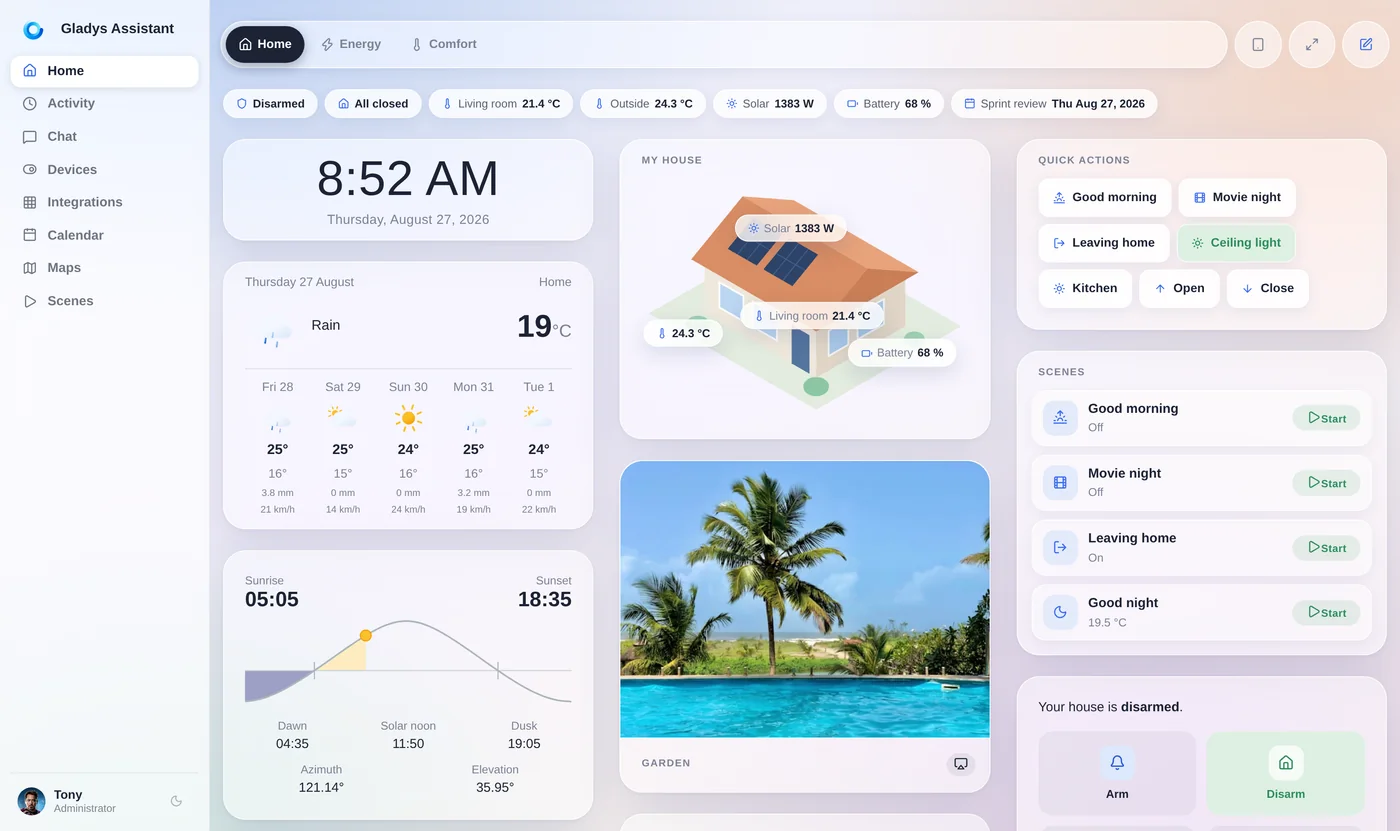
But they are Zigbee devices, and Zigbee2MQTT supports well over a thousand Tuya-based models. With Gladys Assistant, a free and open-source smart home platform that installs Zigbee2MQTT for you, you pair them with a Zigbee USB dongle and control them locally: no gateway, no app, no cloud.
Why get Tuya devices off the cloud
With the Tuya gateway and app:
- Control and automations largely go through Tuya's cloud servers.
- If the internet or the cloud is down, your devices become hard to control.
- Your device data and usage live on Tuya's servers.
- Each rebranded app looks different, but they're all tied to the same cloud account system.
Paired with a local Zigbee coordinator, the same inexpensive devices work entirely at home.
Tuya Zigbee devices that work well in Gladys
Once paired, Tuya devices become regular Gladys devices:
On/off control plus power and energy readings, for appliances and the energy dashboard.
In-wall switches and relay modules to automate existing lights and loads.
Temperature and humidity, door and window, motion, leak and smoke sensors.
Roller shutter modules and water valve controllers.
Mix Tuya devices with any other brand in scenes that run on your own hardware.
Mains-powered Tuya plugs and switches route Zigbee traffic for your battery sensors.
How to pair Tuya Zigbee devices without the hub
On a mini-PC or a Raspberry Pi running Gladys:
- Plug a Zigbee coordinator into the machine and enable Zigbee2MQTT in Gladys.
- Remove the device from the Tuya or Smart Life app if it was paired with a Tuya gateway.
- In Gladys, open Zigbee2MQTT → Discover and permit joining.
- Put the device in pairing mode, usually by holding its button for about five seconds until it blinks.
- Check that it appears with the expected features, then add it to a room and your scenes.
Tuya Wi-Fi devices are not Zigbee: for those, Gladys has a separate Tuya integration.
Check before you buy
Many Tuya devices share the same model number (TS0601, TS011F…) but run different firmware. Zigbee2MQTT identifies them by their manufacturer name, like _TZ3000_ or _TZE200_ followed by a code. Before buying, search the Zigbee2MQTT supported devices list for the exact product, and prefer listings that mention Zigbee2MQTT compatibility. A brand-new variant may need an external converter until it's added.
Gladys is free and open source, has been developed since 2013, and runs entirely on your own hardware.
Go further
More devices without their hub:
Aqara Zigbee sensors, locally, without the Aqara app.
Pair Hue bulbs directly with your Zigbee dongle.
Tuya leak sensors and valves, shutting the water off automatically.
Which Zigbee coordinator to buy.
Frequently asked questions
Can Tuya Zigbee devices work without the Tuya hub?
Yes. Tuya Zigbee devices are Zigbee devices, and Zigbee2MQTT supports well over a thousand Tuya-based models. Paired with a Zigbee USB dongle and Gladys Assistant, they work locally without the Tuya gateway, the Smart Life app or the cloud.
Why isn't my Tuya device recognized by Zigbee2MQTT?
Tuya often reuses the same model number for devices with different firmware. Zigbee2MQTT identifies them by manufacturer name (such as _TZ3000_ or _TZE200_ codes), so a new variant may not be supported yet. Check the supported devices list for your exact product; Zigbee2MQTT documents how to add support with an external converter.
What about Tuya Wi-Fi devices?
Tuya Wi-Fi devices don't use Zigbee, so Zigbee2MQTT can't control them. Gladys has a separate Tuya integration for them.
Which Tuya brands does this cover?
Many brands sell Tuya-based Zigbee devices, such as Moes, Zemismart, Avatto and others, often under their own names. What matters is the device's Zigbee identity, which you can check on the Zigbee2MQTT supported devices list.
Take your Tuya devices off the cloud
Gladys is free, open source and installs with a single Docker command. Plug in a Zigbee dongle and pair your first Tuya device.